


The key differences at a glance:
- Material: FDM uses filament that is melted, while SLA uses liquid resin that cures under light.
- Detail: SLA wins by a landslide for fine detail and a smooth finish. FDM leaves visible layer lines.
- Strength: FDM prints are tougher and stronger for functional use. SLA prints are more detailed but more brittle.
- Ease of use: FDM is simple and clean. SLA requires post-processing, ventilation, and protective gear.
- Size: FDM printers generally have a larger build volume. SLA is focused on small, detailed objects.
Read on to learn how both technologies work, how they differ, and what to look for when buying one.
How does an FDM printer work?
FDM stands for Fused Deposition Modeling. An FDM printer melts a plastic thread (the filament) and pushes it through a heated nozzle, layer by layer, until your object is built. It is the most well-known and widely used 3D printing technique, and what most people imagine when they think of 3D printing.
FDM printers work with thermoplastic filaments (a plastic that becomes soft and pliable when heated and hardens again when cooled) such as PLA, PETG, ABS and TPU, in countless colors and with a wide range of properties. This makes the technology incredibly versatile: from decoration to sturdy, functional parts.
How does an SLA printer work?
SLA stands for Stereolithography. Instead of filament, an SLA printer uses liquid resin that cures under UV light. A laser or light source shines precisely onto the resin, hardening it layer by layer. The print is usually pulled upward, upside down, out of a vat of resin.
Because light can be controlled much more accurately than a molten strand of plastic, SLA achieves a much higher resolution. That makes it the favorite for small objects with fine details, such as miniatures, jewelry, and dental models.
Besides SLA, there are related resin technologies like mSLA and DLP, which work with an LCD screen or projector instead of a laser, but the basic principle remains the same.
FDM vs. SLA: the main differences
Both techniques build layer by layer, but the difference in material and method determines where each excels.
1. Detail and surface finish
This is the biggest difference. SLA wins by a landslide when it comes to fine details and a smooth surface. Because light can be controlled with extreme precision, the layers are incredibly thin and barely visible.
An FDM print will always show some layer lines—the characteristic ribbed effect—which you can reduce with post-processing but never completely eliminate. Looking for something with sharp, small details? Then SLA is the better choice.
2. Strength and durability
This is where the balance shifts. FDM prints are generally tougher and more resistant to impact or stress, especially when using materials like PETG and ABS. SLA prints are more refined, but most standard resins are relatively brittle and can break under pressure.
There is another technical difference that is often overlooked: an FDM print is weakest along the layer lines, where the layers bond together.
An SLA print is isotropic, meaning it is equally strong in all directions. For functional parts that will be under real stress, FDM with a strong material is usually the more practical choice.
3. Speed
Speed is less straightforward than you might think. For a single object, FDM is often faster. But SLA has a unique advantage: it cures an entire layer at once, regardless of how many objects are on the build plate.
If you print twenty miniatures at once on an SLA printer, it takes barely any longer than printing just one. With FDM, the nozzle has to trace each object individually, so the time adds up with every extra piece. For individual, large prints, FDM is faster; for many small, identical prints, SLA wins.
4. Ease of use and post-processing
FDM is simple and relatively clean: load the filament, print, and the object is ready to use as soon as it cools down. At most, you just remove some support remnants.
SLA is a bit more work. After printing, each object must first be washed (usually in isopropyl alcohol) and then post-cured under UV light to reach its final strength. This isn't an optional step; it's a required part of the process.
5. Build volume
FDM printers generally have a larger build volume, allowing you to print larger objects or more parts at once. SLA printers are usually smaller and focused on compact, detailed prints. Large resin printers do exist, but they are relatively expensive and less common.
6. Costs
FDM is more affordable in almost every way. The printers are cheaper, the filament is cheaper per kilo than resin, and you don't need extra equipment for post-processing.
With SLA, in addition to the printer, you also have to factor in the costs of resin, isopropyl alcohol, a wash and cure station, and protective gear.
The honest side of resin: what you need to keep in mind
SLA delivers beautiful results, but there is a side to it that is often overlooked in many comparisons. Good to know before you buy a resin printer.
Liquid resin is toxic and irritating as long as it hasn't cured. You must work with it using gloves, in a well-ventilated area, and preferably with a mask. The fumes are strong and unhealthy to inhale for long periods. Spilled resin and alcohol require careful handling.
In addition, post-processing is mandatory: washing and curing are part of every print, which takes time and extra equipment. And resin prints are sensitive: standard resin is relatively brittle and many resins discolor and weaken in sunlight, making them less suitable for parts that will be used outdoors or in the sun.
For the sake of completeness: FDM is not entirely free of health concerns either. Some materials, especially ABS, release fine particles and light fumes during printing, so a ventilated room is also wise for FDM. The difference is that with FDM, you don't come into direct contact with liquid chemicals like you do with resin.
This doesn't make SLA worse, it just makes it different. For those who need the details and are willing to take on that process, it's fantastic. For those who just want to print something useful quickly, it's more of a hassle than expected.
What should you look for when buying an FDM printer?
Considering an FDM printer? Keep these points in mind.
- Look at the build volume: how big are the objects you want to make?
- Pay attention to the type of extruder, as a direct-drive extruder works better with flexible materials like TPU than a Bowden system.
- A heated print bed is important if you want to print stronger materials like PETG or ABS.
- Also, check if the printer has an enclosed housing, which helps with materials that warp easily.
- And look for convenience features like automatic bed leveling, which will save you from many failed first layers.
What should you look for when buying an SLA printer?
Going for resin? Then other things count.
- The screen resolution (for mSLA printers) determines how fine your details will be, so that's the deciding factor.
- Keep an eye on the build volume, which is usually smaller for resin printers.
- Also, count on needing a wash and cure station, or being prepared to do that manually.
- Think about your workspace beforehand: you'll need ventilation and space for post-processing.
- And keep in mind the recurring costs of resin, alcohol, and protective gear.
Which 3D printer is right for you?
Choose an FDM printer if you want affordable and versatile printing, need to make larger or functional objects, or are a beginner looking for an easy, clean start. For most people looking to print at home, this is the logical choice.
Choose an SLA printer if fine details and a smooth surface are your top priorities, you mostly make small objects like miniatures or jewelry, and you don't mind the extra post-processing and caution required.
Many makers eventually end up using both: FDM for the heavy-duty and functional work, SLA for the fine details. They aren't competitors, but different tools for different jobs. Want to dive deeper into the various printing techniques? Then read types of 3D printers and their pros and cons.
Frequently asked questions about FDM and SLA
What is the difference between FDM and SLA?
FDM melts plastic filament to build an object layer by layer. SLA cures liquid resin using UV light. FDM is cheaper, more versatile, and easier, while SLA provides finer details and a smoother surface but requires more post-processing and caution.
Is SLA better than FDM?
Neither is objectively better; it depends on your goal. For fine details and a smooth surface, SLA is better. For affordable printing, larger objects, and strong functional parts, FDM is the better choice.
Are resin prints stronger than filament prints?
Not necessarily. Resin prints are more detailed and have uniform strength in all directions, but standard resin is often brittle. FDM prints made from materials like PETG or ABS are generally tougher and more impact-resistant, making them better suited for functional use.
Which prints faster, FDM or SLA?
That depends on what you're printing. For a single object, FDM is usually faster. However, since SLA cures an entire layer at once, printing many small objects at the same time takes just as long as printing one. For large, individual prints, FDM wins; for many small, identical prints, SLA wins.
Is an SLA printer harder to use than an FDM printer?
Yes. SLA requires mandatory post-processing (washing and curing), involves working with toxic resin, and necessitates ventilation and protective gear. FDM is simpler and cleaner: just load the filament and start printing.
Which 3D printer is best for beginners?
For most beginners, an FDM printer is the logical choice. It’s cheaper, easier to use, cleaner, and more versatile. SLA becomes interesting once fine detail matters more than convenience.
Want to have something printed instead of buying a printer?
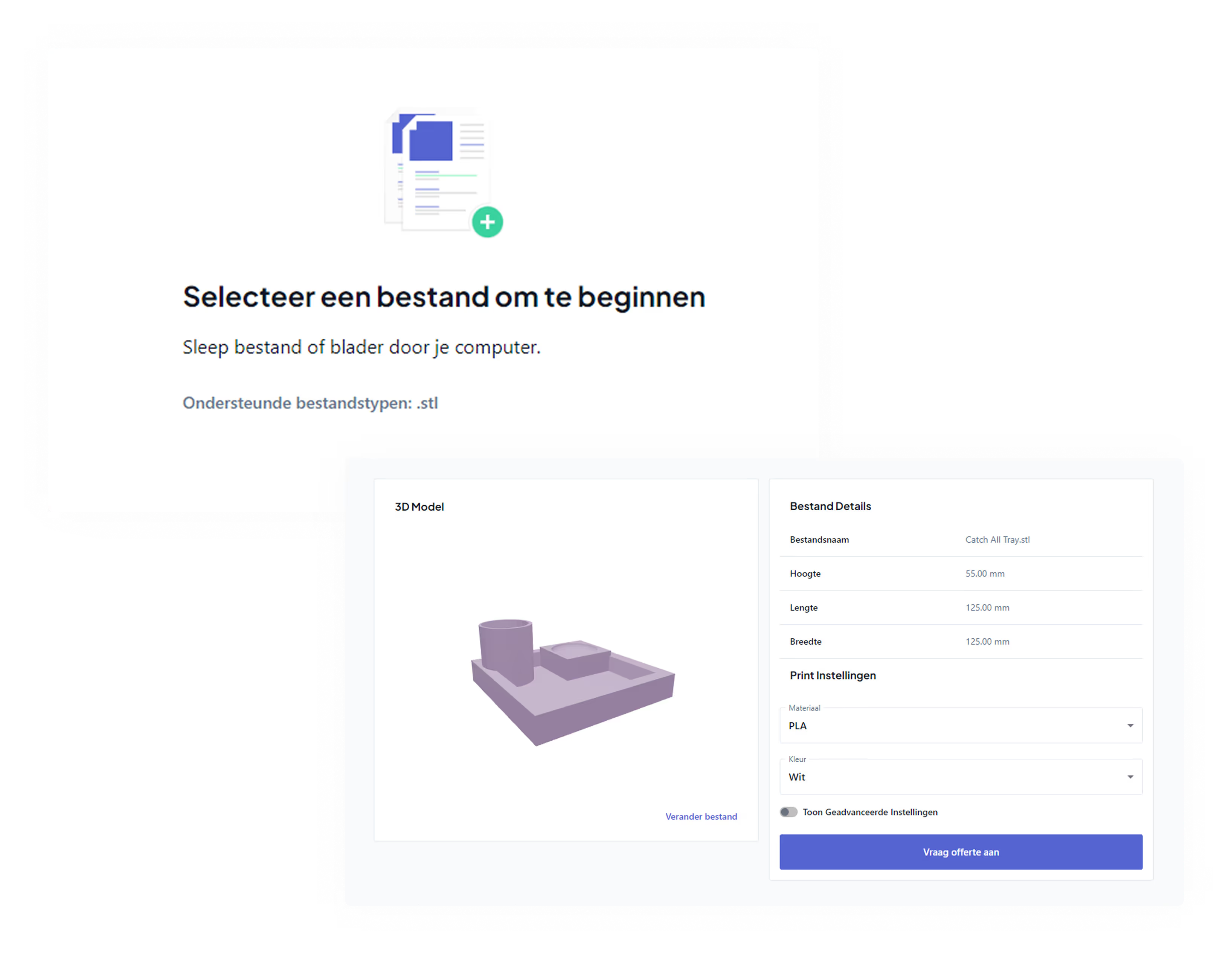
Not sure if printing yourself is worth it? For those who only need something occasionally, a print service is often more cost-effective than owning a printer with all the associated expenses. Upload your STL file to our 3D print price calculator and see the cost instantly.
Don't have a file yet, or want advice on the right material for your project? Request a free printability check and we'll take a look with you.