


What is a 3D printer?
A 3D printer is a machine that creates three-dimensional objects based on a digital 3D model. Unlike a standard printer that puts ink on paper, a 3D printer builds an object in space, layer by layer, in three dimensions.
The principle is called additive manufacturing: material is added instead of removed. This makes it different from traditional production, where you start with a block of material and cut or mill shapes out of it.
3D printers are used for everything you can imagine: from spare parts and prototypes to decorations, toys, and technical tools. At home, at school, in factories, and even in healthcare.
How does a 3D printer work? The 5-step process
Step 1: Create or find a 3D model
Everything starts with a digital 3D model. You can get one in three ways:
- You design it yourself using CAD software, such as Fusion 360, Blender, or TinkerCAD.
- You download an existing model from a platform like Thingiverse or Printables.
- Or you have the model designed for you, such as with our 3D modeling service.
The most common file format for 3D printing is STL (.stl). Want to know more about file types? Then read: The STL file type explained or The STEP file type explained.
Step 2: Slicing the model
The printer cannot read the 3D model directly. To fix this, you use slicer software, a program that cuts the model into hundreds or thousands of thin horizontal layers (hence: slices). The slicer also calculates where supports are needed, how fast the printer should move, and what infill the object will have on the inside.
The end result of slicing is a G-code file. This is the language the 3D printer understands: a series of instructions that describes exactly what the printer needs to do at every moment.
Step 3: Setting up the printer
Before printing begins, you set the printer for your chosen material and desired quality. The most important settings are the print temperature, bed temperature, print speed, and layer height. A lower layer height provides more detail but takes more print time.
Step 4: Printing
The printer loads the G-code file and starts building. With an FDM printer, the most common type, a strand of plastic filament is melted in the nozzle and deposited onto the print bed layer by layer. Each layer bonds to the previous one and solidifies instantly. This is how the object grows from the bottom up.
How long does it take? That depends on the size, complexity, and print settings. A small holder can be done in twenty minutes. A large object can take several hours or even a full day.
Step 5: Post-processing
In most cases, the object is ready to use immediately after printing. Sometimes post-processing is required: removing supports, sanding the surface, or cleaning the print. The latter is especially true for resin printers, where the object must be cured under UV light after printing.
What types of 3D printers are there?
There are various 3D printing techniques. The two most common are FDM and resin.
FDM (Fused Deposition Modeling)
FDM is the most common technique for consumer printers and print services. A plastic thread, known as filament, is melted and built up layer by layer through a nozzle. FDM works with materials such as PLA, PETG, ASA, ABS, TPU, and nylon.
At PixelPrints, we use Bambu Lab FDM printers. These are fast, precise printers suitable for both functional parts and decorative prints.
Resin (SLA/DLP)
With resin printing, liquid resin is cured using UV light. This technique offers higher detail accuracy than FDM and is well-suited for small, intricate objects. Post-processing is more intensive, however: the print must be washed and cured.
Want to know more about the different types of printers and techniques? Read: types of 3D printers and their pros and cons. Or read specifically about what an FDM printer is.
What materials does a 3D printer use?
The most commonly used material for FDM printing is plastic filament. Each material has its own properties and applications:
- PLA is the most widely used material: easy to print, biodegradable, and suitable for most decorative and indoor functional applications.
- PETG is stronger and more moisture-resistant than PLA. A great choice for functional parts.
- ASA and ABS are temperature-resistant and suitable for outdoor use. ASA is also UV-resistant.
- TPU is a flexible material for soft or rubber-like parts.
- Nylon is strong, wear-resistant, and slightly flexible — ideal for mechanical parts.
Not sure which material suits your application? Use our material selection guide or read: how to choose the right filament for your print.
What can you make with a 3D printer?
You can print almost anything that fits into a 3D model. A few examples:
- Spare parts and replacement parts that are no longer for sale.
- Custom holders, clamps, adapters, and housings.
- Prototypes for new products.
- Decorative objects, figurines, and gift items.
- Scale models and architectural models.
- Technical tools for the workshop or lab.
The maximum print size at PixelPrints is 340 × 320 × 340 mm. Want to see what other customers have had made? Check out our portfolio.
Print it yourself or have it printed?
You have two options. You can buy a 3D printer yourself and master the technology. That takes time, money, and a lot of experimenting. Or you can have your print made by a print service, so you only have to focus on your idea.
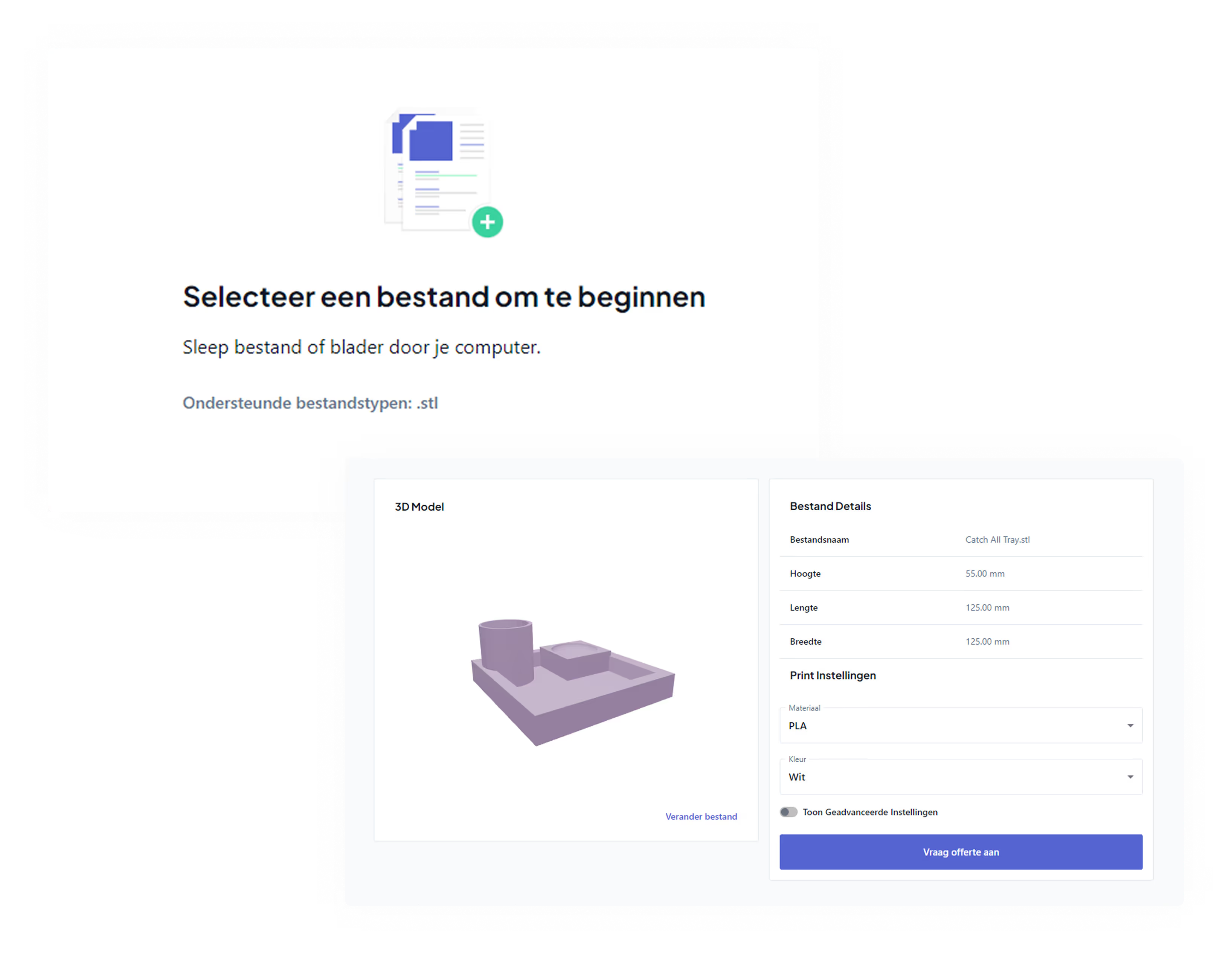
At PixelPrints, you upload your STL file, choose your material and settings, and get an instant price quote. Your print will be delivered within 5 business days. No printer needed, no hassle.
Don't have a 3D file? No problem. Through our 3D modeling service we can design the model for you.
Frequently asked questions about 3D printing
How long does it take to 3D print something?
That depends heavily on the size, the chosen layer height, and the complexity of the object. A small print is ready in 15–30 minutes. A medium-sized object can easily take 2–5 hours. Large or detailed prints can take anywhere from half a day to over 24 hours.
What do you need to 3D print?
You need three things: a 3D model (in STL or STEP format), a 3D printer with the right filament, and slicer software to prepare the model. If you use a print service, you only need the 3D model.
Can I have an object printed without having a file?
Yes. At PixelPrints, you can use our request a modeling project. We design the model based on your description, drawing, or photo and then print it for you.
Which material is best for 3D printing?
That depends on how you'll use it. PLA is the best choice for most indoor applications. Choose ASA for outdoor use. Go with TPU for flexible parts. For parts subject to mechanical stress, use nylon or PETG. Use our material selection guide if you're not sure.
What is the maximum size you can print?
At PixelPrints, the maximum print size is 340 × 320 × 340 mm. Larger objects can sometimes be printed in parts and then assembled. Not sure if your object is printable? Request a free printability check .
%20Bij%203D-printen_.jpg)