


One of the most important parts of this technology is the file format used to save and share 3D models. Although STL has been the standard, the 3MF file format is rapidly gaining popularity. In this article, we dive deeper into 3MF files, how they work, and why they are worth considering for your next 3D printing project.
What is 3MF?
3MF stands for 3D Manufacturing Format. It is a modern file format specifically designed for 3D printing. Unlike older formats like STL, 3MF has more extensive capabilities and a higher level of detail. But what makes 3MF truly special? Simply put, it can contain more information about the 3D model, such as color, texture, and materials.
Another major advantage of 3MF files is that they are compact. This means they take up less storage space without any loss of quality. This is especially useful if you want to save large or complex models.
In addition, 3MF is an open standard. This means it is supported by a wide range of software and hardware, making it a versatile choice for 3D printing enthusiasts.
How does 3MF work?
The 3MF file format is designed to be simple and efficient. The file is built using XML, a markup language that is widely supported and easy to process. This allows a 3MF file to contain a lot of information without being overly complex.
A 3MF file can contain various types of data:
- Geometry of the model, including precise shapes and dimensions.
- Colors and textures, which allow you to create detailed and colorful prints.
- Materials and properties, such as strength and flexibility.
Exporting a 3MF file from your 3D modeling software is often just a matter of a few clicks. Most modern 3D software supports 3MF, making it easy for you to start taking advantage of its benefits.
The history of 3MF
The 3MF file format was introduced in 2015 by the 3MF Consortium, a group of companies focused on improving 3D printing standards. The founders included giants such as Microsoft, Autodesk, and HP. The goal was to create a new standard that would overcome the limitations of older formats like STL.
Since its introduction, 3MF has gained significant traction in the industry. Many 3D printer manufacturers and software developers have embraced the format for its extensive capabilities and open standard.
The ongoing development and support of 3MF by a wide range of companies ensure that the file type will continue to evolve and improve.
3MF vs. other file types
3MF vs. STL
STL (Stereolithography) is one of the oldest and most widely used file types in 3D printing. It stores the geometry of a 3D model as a collection of triangles. While STL is simple and widespread, it has significant limitations. For example, it cannot store colors, textures, or materials.
On the other hand, 3MF can contain all this extra information. This makes 3MF a much more powerful and versatile file type for modern 3D printing applications.
3MF vs. STEP
STEP (Standard for the Exchange of Product model data) is an ISO standard for exchanging 3D CAD data. It is widely used in the industry for exchanging complex designs between different CAD systems. Although STEP can store highly detailed geometric data, it lacks the simplicity and specific optimizations for 3D printing that 3MF offers.
3MF vs. OBJ
OBJ is another popular file type used for 3D models. Unlike STL, OBJ can store colors and textures. However, the OBJ format is less compact and less efficient at storing data than 3MF. Furthermore, 3MF has better support for modern 3D printing needs and workflows.
Frequently asked questions
Why should I switch to 3MF?
If you are looking for a file type that has more functionality than STL and is better aligned with modern 3D printing needs, then 3MF is the right choice. It can store extensive information, is more compact, and is widely supported by hardware and software.
Which software supports 3MF?
Many well-known 3D modeling programs such as Autodesk Fusion 360, Blender, and Tinkercad support 3MF. In addition, many slicer software programs like Cura and PrusaSlicer also support the format.
Is 3MF suitable for all types of 3D printers?
Yes, virtually all modern 3D printers can process 3MF files. Because 3MF is an open standard, manufacturers are constantly working on compatibility and support for their products.
Summary and next steps
The 3MF file type has numerous advantages over older formats like STL, STEP and OBJ. It is more versatile, efficient, and better suited for today's 3D printing needs. By switching to 3MF, you can benefit from improved print results and a smoother workflow.
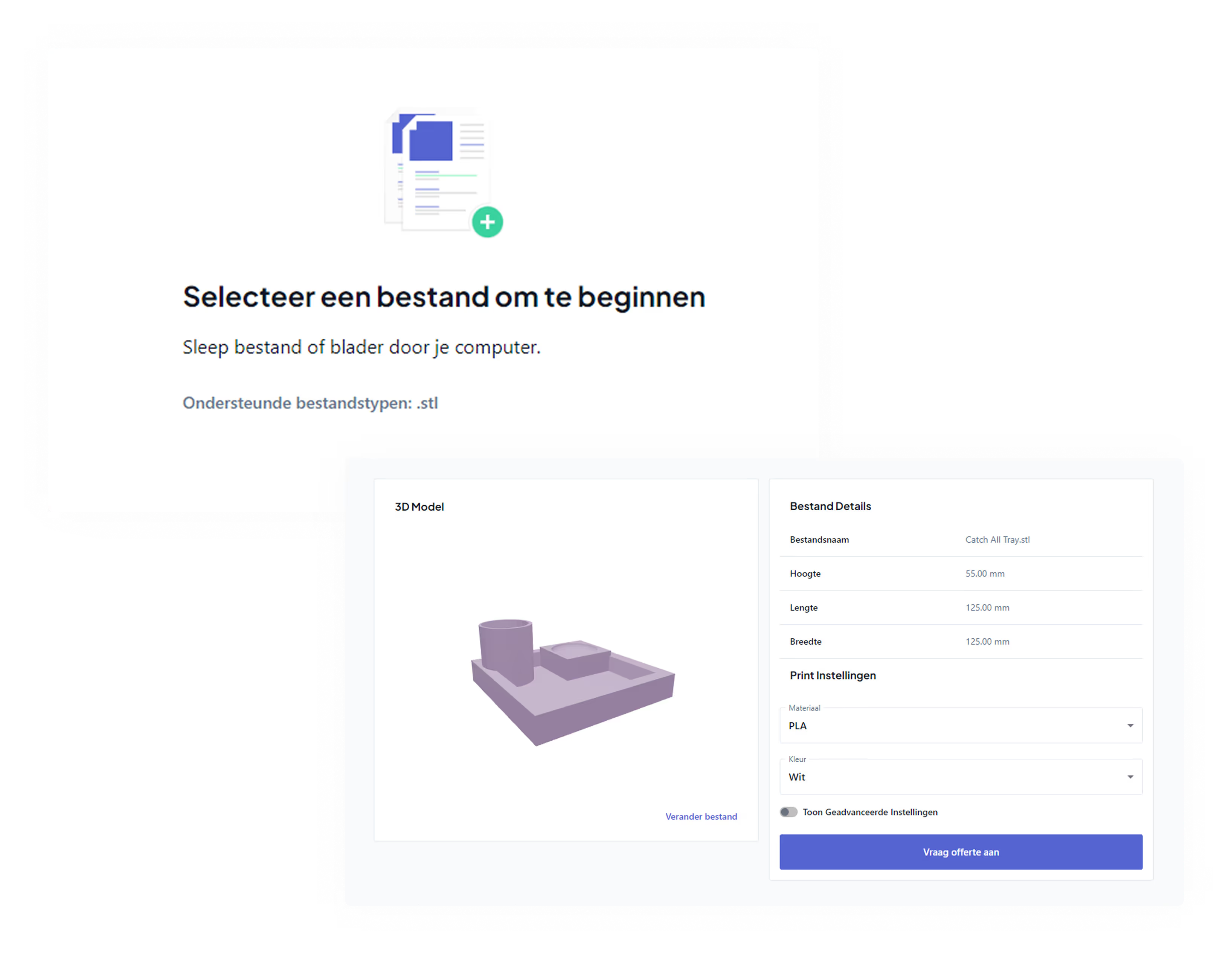
Looking to get something 3D printed? We (currently) still require an STL file. Check out our 3D printing service.