


In short: how does a 3D printer work?
A 3D printer builds an object layer by layer. The device follows a digital design: a 3D file that tells it exactly what shape to create.
If your child wants to 3D print at home, there are practically two types to choose from. An FDM printer melts a plastic thread (filament) and is safe, affordable, and easy to use.
A resin printer uses a toxic liquid resin that requires gloves and proper ventilation. You don't want that in a kid's room. That’s why you should always choose FDM for a child.
If you want to dive deeper, read how a 3D printer works or the types of 3D printers and their pros and cons.
These are the 3 best choices
- Low-budget (around € 170): Creality Ender-3 V3 SE: the cheapest serious option, but expect to do more tinkering.
- Mid-budget (€ 200): Bambu Lab A1 Mini: for most families, the best balance between price and ease of use.
- High-budget (€ 380 to €400): Bambu Lab P1S: an enclosed printer that’s safer and more capable.
These prices are estimates from summer 2026 and vary by store and promotion, so they may be different by the time you read this.
One quick tip: you’ll see brightly colored printers online marketed as special "kids' toys." They look cute, but they’re often slow, offer poor quality, and have little to no support.
Your child will likely get bored of those faster than a real printer from the list below. Our three picks are full-fledged printers that grow with your child, which is exactly why they stay fun for longer.
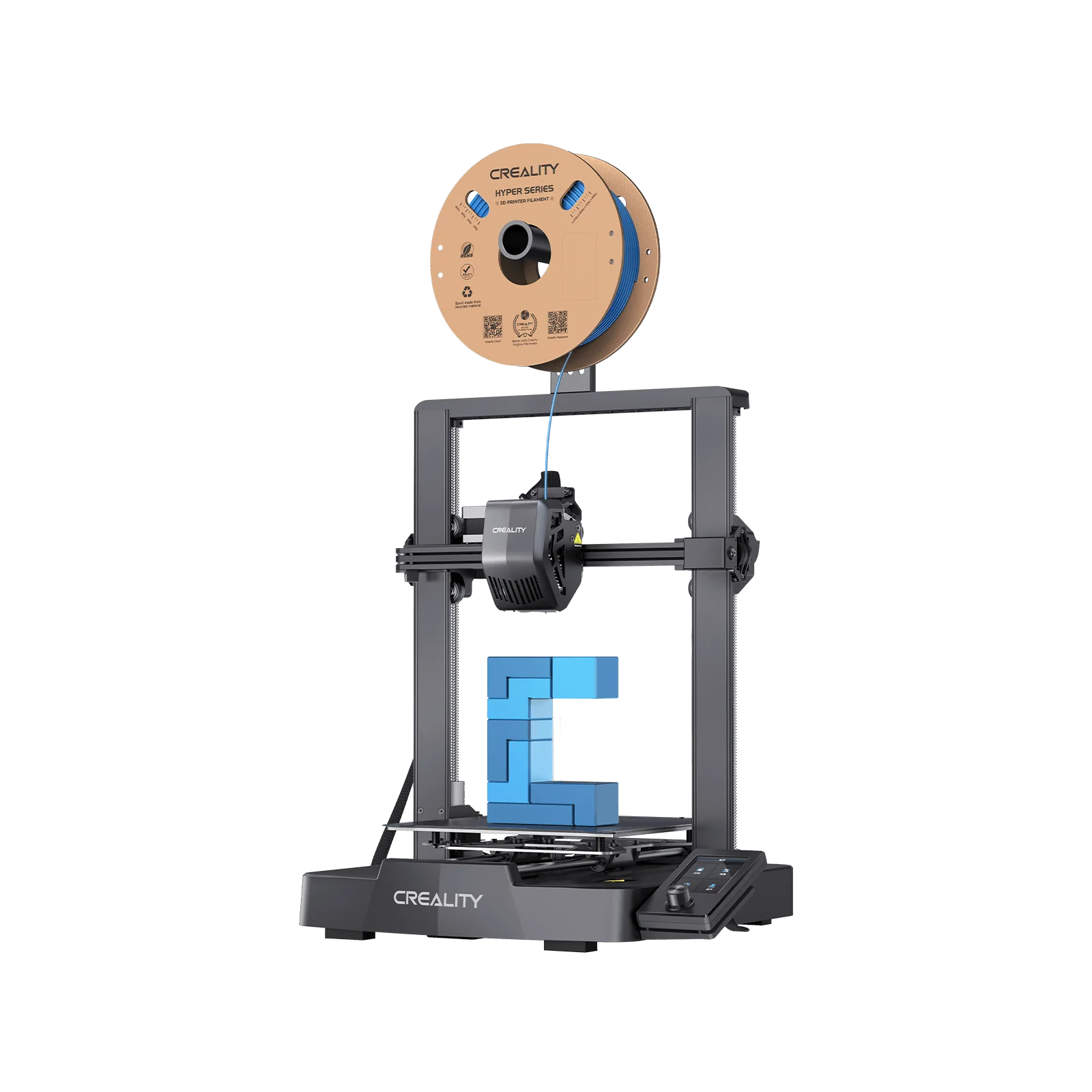
Budget-friendly: Creality Ender-3 V3 SE (around € 170)
The Ender-3 V3 SE has been the go-to entry-level printer for years and is still one of the best you can buy for the price. It prints cleanly and features automatic bed leveling: the printer checks if the print plate is level itself, ensuring the first layer sticks properly. That saves a lot of manual tinkering.
However, we have to be honest: for a child, we actually consider this a false economy. The printer requires regular manual adjustments, and over time, you’ll need to replace parts yourself, like the nozzle (the small tip where the plastic comes out) or a clogged feeder.
That’s great if your child loves tinkering and learning how things work, but it’s frustrating if they just want to print something quickly.
On top of that, this is an open printer without an enclosure. An enclosure keeps the heat around the print. This prevents warping, where the edges of a print lift and curl because the plastic cools down too quickly.
This happens more easily with an open printer, and the hot parts remain exposed. An enclosure is therefore desirable, especially with children around. You get a lot for the price, but expect more maintenance.
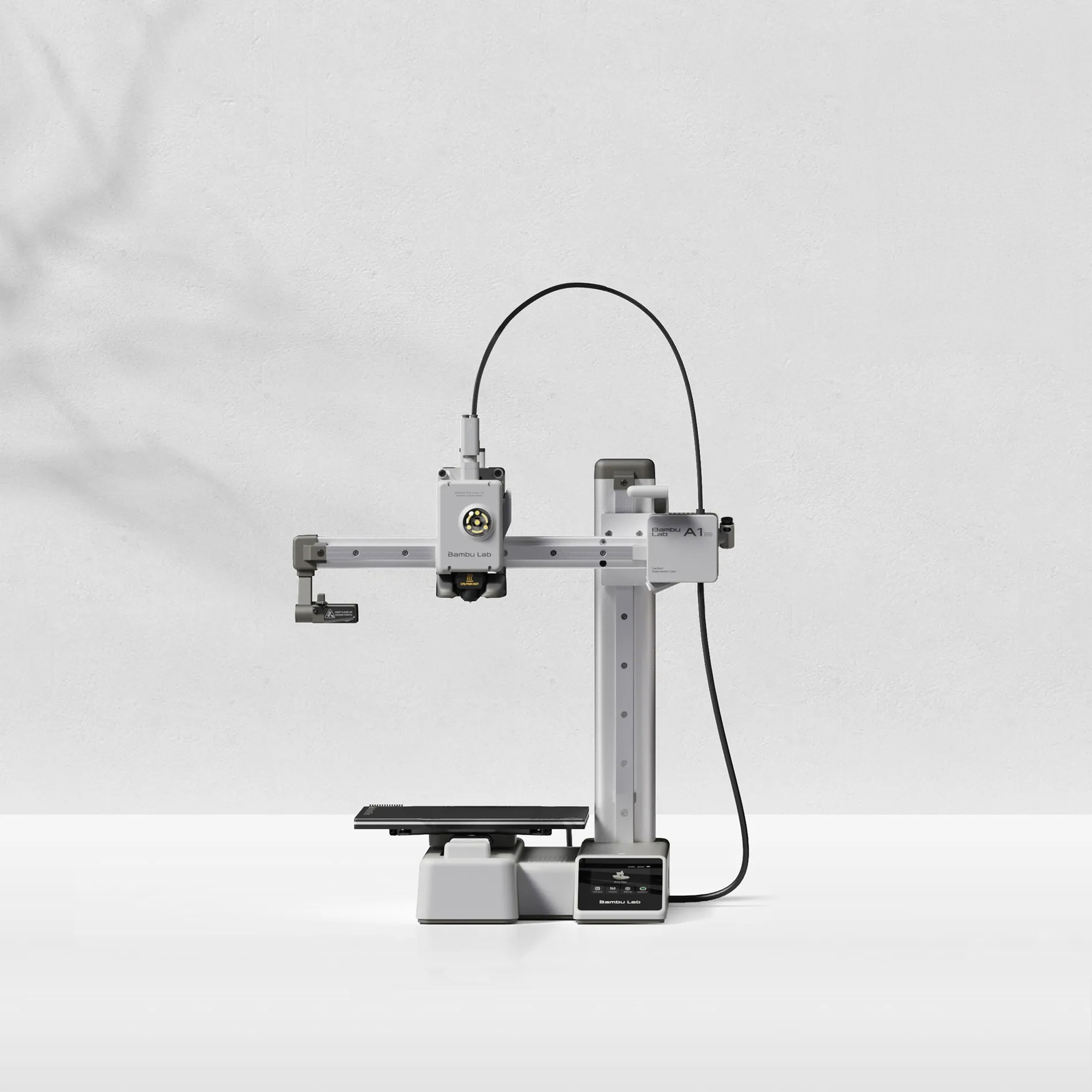
Mid-range: Bambu Lab A1 Mini (€ 200)
If you want to make things easy for yourself and your child, the Bambu Lab A1 Mini is usually the best choice. It calibrates itself completely, is ready to go in under fifteen minutes, and prints quietly and reliably with PLA filament.
Your child can focus on the fun part—designing and printing—instead of tinkering with settings. For most families, this is the perfect middle ground.
The biggest drawback is the same as with the Ender: the A1 mini is an open printer without an enclosure. This makes it more prone to warping, meaning it works best with easy materials like PLA.
For a child, that’s rarely an issue, as PLA is exactly what you want: safe, low-odor, and simple. Just keep in mind that the print bed and nozzle get hot and are fully exposed, so an enclosure would be safer.
A second point to consider is the print bed: the mini is a bit smaller, so very large models won't fit in one go.
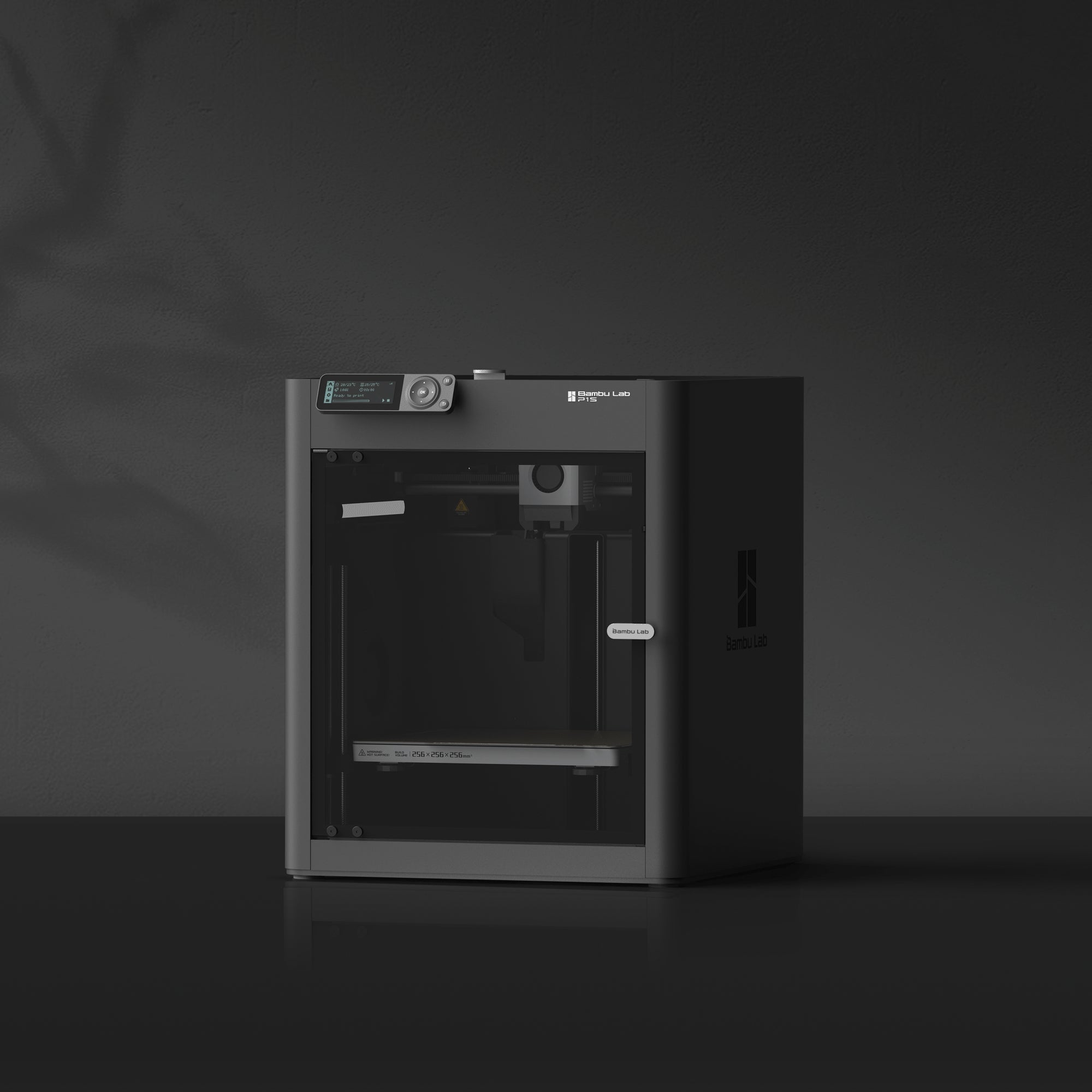
High-budget: Bambu Lab P1S (€ 380)
Is safety a top priority, or do you want to print with more challenging or stronger materials? Then the P1S is worth the investment.
This printer does feature an enclosed cabinet. That offers three benefits that really matter for a family.
The heat stays inside, which significantly reduces warping and allows you to print with sturdier materials. The hot and moving parts are tucked away behind a wall, so curious fingers can't easily reach them. Plus, the enclosure dampens noise and keeps odors and dust contained.
On the flip side, the P1S is more expensive and faster and more powerful than a child needs when starting out. It’s not a printer you buy to test the hobby, but one for when you’re sure your child is committed. Get that feeling? Then you’ll enjoy this for years to come.
What can your child print?
This is often the most fun part to discover together. At first, your child will print ready-made designs that others have shared for free: action figures, keychains, a nameplate for their door, dinosaurs, fidgets, or parts for LEGO.
Next comes the step of creating their own designs. Your child draws something themselves and sees it sitting on the table a few hours later—that’s exactly the moment it all clicks.
Beyond just playing, your child will also learn: spatial reasoning, a bit of engineering, and patience, because not every print works out on the first try. If you want to see what’s possible with an FDM printer, browse through our knowledge base full of explanations and examples to find inspiration together.
At what age is a 3D printer suitable?
There’s no strict age limit, but it’s all about supervision. Kids from about eight years old can easily start a print and pick a design under supervision, while setting things up, loading filament, and removing a hot print are tasks you’ll want to do together at first.
From around age twelve, many kids start working more independently and even learn to design their own models. The printer itself makes a huge difference here: a self-leveling model is suitable for a much younger and more impatient child than a printer that requires a lot of manual tinkering. The easier the machine, the sooner your child can use it on their own.
What should you look for in a 3D printer for kids?
If you’re torn between models, use these four points as a checklist.
The most important thing is ease of use: a printer that levels itself and comes ready to go saves your child frustration and saves you from having to constantly step in.
Also, look for an enclosed design, as it makes the printer safer and reduces warping.
Pay attention to the build plate, the maximum size of what you can print at once: a larger surface means more freedom.
And don't forget the ongoing costs, because besides the printer, you'll spend about 20 to 30 euros a month on filament if your child prints a lot. With those four points in mind, choosing between low, mid, and high-end models becomes a lot easier.
Step-by-step: how to get your child started with their new printer
The box has arrived, now what? Go through these steps together with your child, and the first print will be ready sooner than you think.
- Find a good spot for the printer. Choose a sturdy, level surface in a well-ventilated room, not right next to their bed. The printer vibrates and gets warm, so give it some space.
- Set it up and check everything. Modern printers like the A1 mini and P1S are ready in under half an hour. Follow the included guide step by step and don't skip anything. Still stuck? Check out some videos on YouTube.
- Install the software on the computer. You need a so-called slicer : a free program (like Bambu Studio or Creality Print) that translates a 3D design into instructions the printer can understand. Without a slicer, the printer cannot read a file.
- Install the app on your phone. With the accompanying app, you can start, track, and monitor prints, even from the couch. It’s a great activity to do with your child.
- Load the filament. Click a roll of filament (start with PLA) into the printer. The printer will pull the strand in automatically until a little bit comes out of the nozzle. That’s exactly how it should be.
- Run the automatic calibration and a test print. Let the printer set itself up and print a small, ready-made sample model. This way, you can immediately see if everything is set up correctly before starting a real project.
- Download a free design together. Platforms like MakerWorld and Thingiverse have thousands of free models. Let your child pick something simple, like a keychain. Later on, they can learn to design their own with our guide on 3D modeling.
- Set some safety ground rules. The nozzle and print bed get hot. You can set rules, such as having an adult present when starting a print and ensuring no one touches the printer while it’s running. You might also agree that printing only happens when someone is home and stays nearby while the printer is on. It’s also smart to have a CO2 extinguisher to purchase.
- Start small and celebrate successes. Start with small, quick prints. Did one fail? That’s all part of it. Figuring out why together is what makes it a great learning experience.
Keep in mind that a printer requires maintenance: occasional cleaning, replacing a nozzle now and then, and keeping your filament dry.
Still not sure if the hobby will stick? Try it out first
A 3D printer is a fun investment, but sometimes you want to be sure the spark won't fade after two weeks. Or maybe your child wants a specific design in their hands right now, before you've even bought a printer. In either case, you don't have to spend hundreds of euros right away.
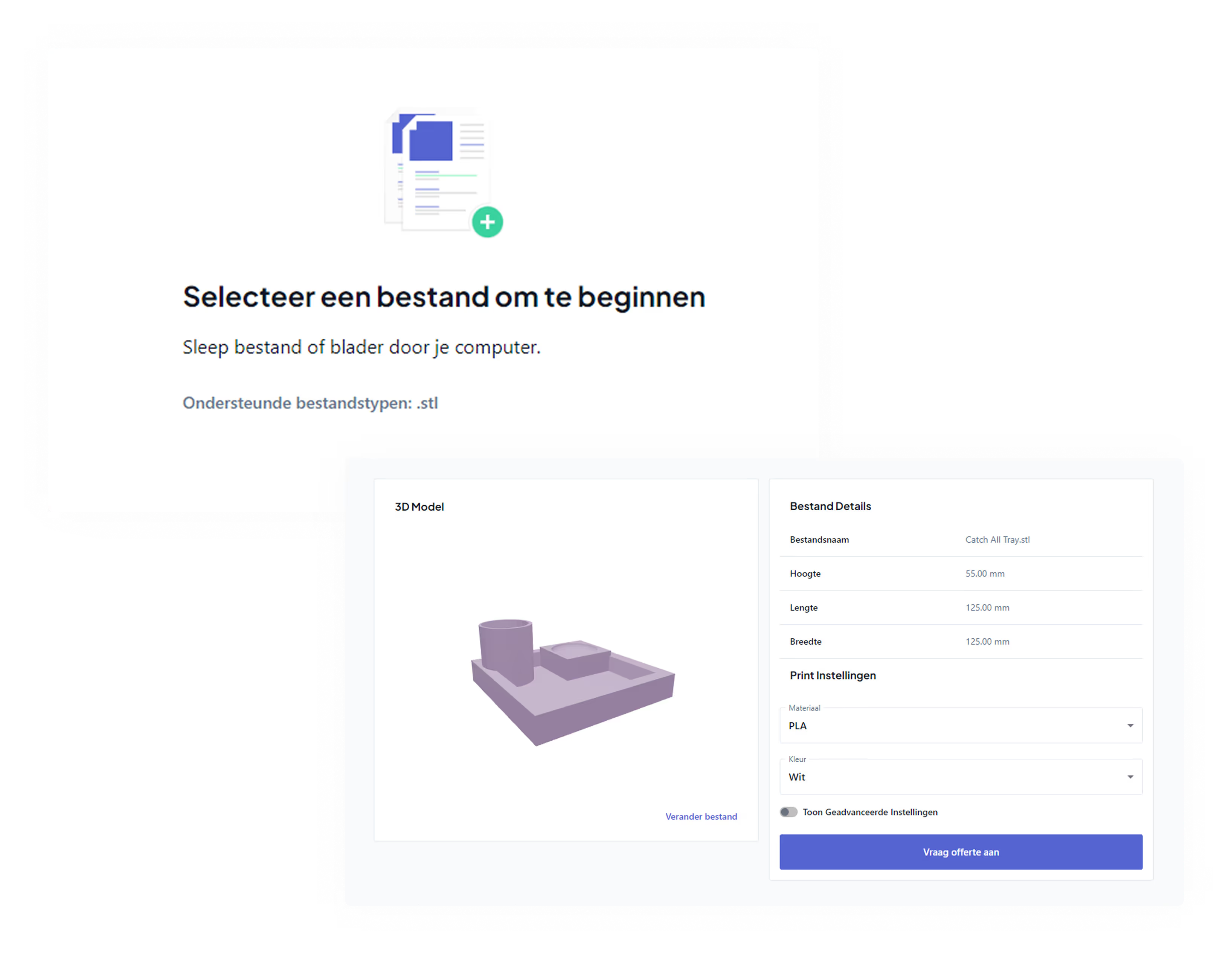
You can also have a design printed by us. It’s a great way for your child to get a taste of the hobby, see if it really sticks, and help you make a much better decision when it comes to choosing the right printer later on.
It’s a great way to test their interest without needing to put a machine in their room right away. Do you decide to buy one later? Then you’ll find everything you need in our knowledge base to get started together with your child.