


What exactly is a scale model?
A scale model is a physical representation of a building, site, product, or machine. It’s scaled down—for example, 1:100—so you can view a design from every angle.
Architects use scale models to present building plans, engineers use them to showcase machines at trade shows, and students use them to support their design concepts.
In the past, you’d build these models by hand: cutting cardboard, sanding foam, and gluing everything together. You still can, but 3D printing has made the process much faster and more precise.
How does 3D printing a scale model work from start to finish?
Roughly speaking, you go through five steps:
- A 3D design is created.
- The model is prepared for printing.
- The model is processed by slicing software, which cuts it into hundreds of thin layers.
- The 3D printer prints the model layer by layer.
- The model is neatly finished.
The total time required varies by project. A small model might be ready in a few hours, while a large or highly detailed one could easily take several days.
Several factors influence the turnaround time, such as how well the file is optimized for 3D printing and the slicer settings used.
What do you need to print a scale model?
The most important thing is an optimized 3D model. Do you only have a sketch or a 2D blueprint? Then a 3D model will need to be created from that first.
This is usually done in programs like SketchUp, Blender, Fusion 360 (Personal) or via BIM software for construction.
Don't have any experience with 3D modeling? That's no problem. You can submit your drawing and have the model designed for you.
Which file formats work for 3D printing?
Not every 3D file is suitable for printing. These are the three most common ones:
- STL is the most common file type for 3D printing. The model consists of many small triangles. All modern printers and slicer software support this file type.
- STEP is popular for technical drawings and CAD. It preserves exact dimensions, making it ideal when precision is important.
- 3MF is the most modern format. In addition to the shape, it also saves color and settings.
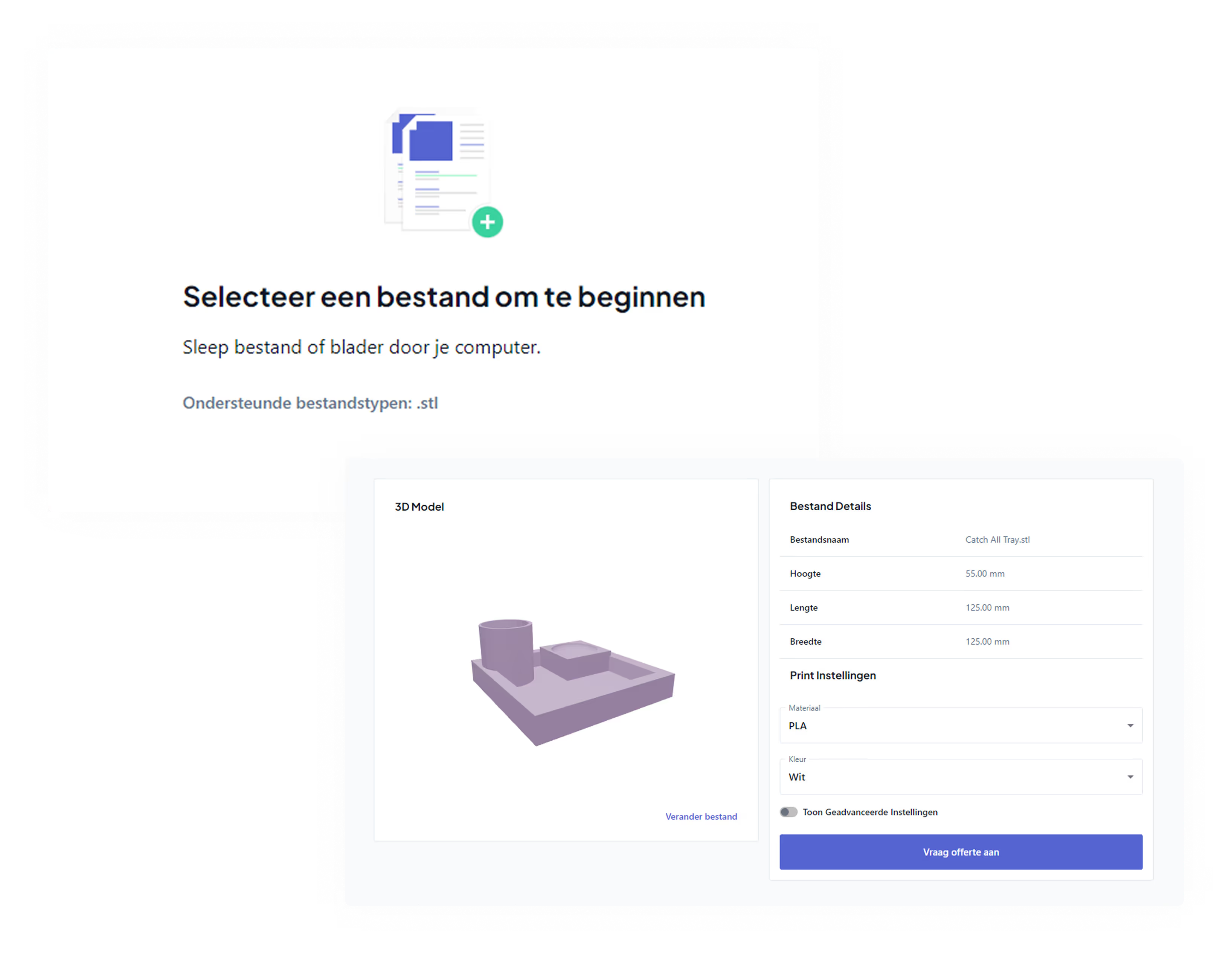
If you prefer to submit STL or STEP, you're good to go. Not sure if your file is correct? Get your 3D file checked before the print starts. This prevents any surprises halfway through.
Why scale is so important
Common scales are 1:50, 1:100, and 1:200. Which one you choose depends on the size of the original and how much detail you want to keep: the smaller the scale, the more fine details are lost.
And this is where things often go wrong. A model from BIM or AutoCAD is at full scale. If you scale that down to 1:200, a 20 cm thick wall suddenly becomes 0.1 mm in the model. That is too thin to print.
For a high-quality 3D print, you want walls to be at least 1.2 mm thick.
The same problem can occur with other details, so be sure to check this carefully before printing.
Which printing technique suits your model?
Not every 3D printer works the same way. For architectural models, FDM and SLA printers are primarily used.
FDM melts a plastic filament and builds your model layer by layer. This is cost-effective, strong, and great for larger models where you don't need every millimeter of detail. Most work is printed with PLA filament.
SLA (resin) uses a liquid resin that hardens under light. This produces much finer details, making it ideal for small parts or models where precision is key.
If you want to better understand the difference between techniques, read about the types of 3D printers and their pros and cons.
For architecture firms, 9 times out of 10, printing is done with an FDM printer. For example, a Bambu Lab H2S or Creality 3D K2 Plus Combo.
What are the advantages compared to traditional model making?
Building a scale model by hand takes a lot of time and patience. 3D printing takes a different approach, with a few major advantages.
- Your models will have much more detail. Fine windows, facade textures, or intricate machinery come out sharper than anything you could cut by hand.
- You get repeatable precision. You can print a digital design ten times and they will be identical. Handiwork always varies slightly; a printer doesn't.
- You work at lightning speed. A model that takes days by hand can sometimes roll off the printer in just a few hours. You save a significant amount of man-hours.
- And it's easy to make adjustments. Does the design change? Just update the digital file and print it again, without having to start from scratch.
What are the limitations of 3D printing for scale models?
To be fair, 3D printing isn't the perfect solution for every situation.
Very small details do have their limits. With FDM, you can print from about 0.5 mm, and even then, it's fragile. For extremely fine work, you need SLA, which is more expensive.
Larger prints also cost more. The price depends on the size, level of detail, material, and printing technique. A small, simple model is much cheaper than a large, detailed scale model that requires a lot of material and print time, or one that needs to be printed in parts and assembled.
Transparent or flexible parts remain tricky. Crystal-clear windows or flexible components require special materials and post-processing.
And you always need a usable 3D file. If you only have a paper sketch, there is design work involved first. Good to know, so you don't run into any surprises.
From digital design to physical model: the next step
Now that you know how 3D printing a scale model works, you're probably arriving at the real question: is my file print-ready, and which scale and technique suit my project? That is exactly the tricky part that sits between a great idea and a clean scale model. One model calls for fine SLA details, while another benefits from sturdy, large-format FDM work.
You don't have to figure that out on your own. Want to have your model printed? Check out our model making service and submit your idea or file. We’ll help you think through the scale, material, and technique, and ensure you get a scale model that truly reflects your design.